
 English
Apple IMEI to Serial Number Converter
Instantly Convert IMEI to Serial Number & Get Full Device Details


View Sample Report
Report Delivery Time :
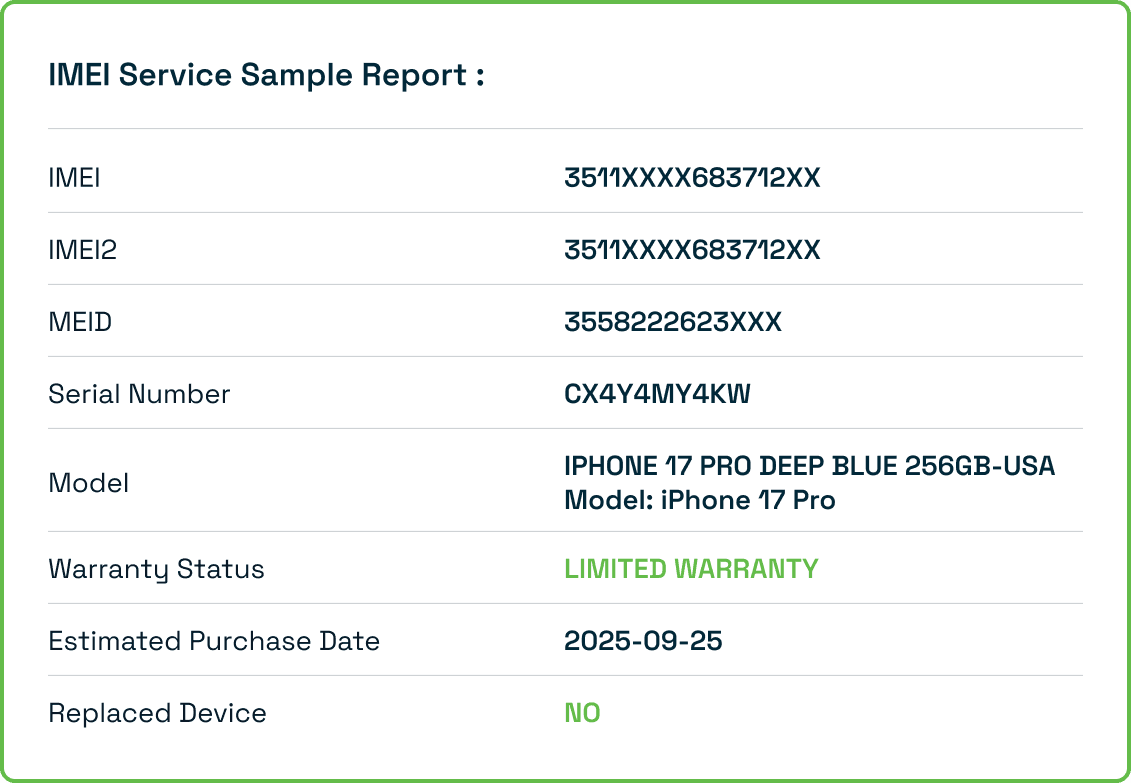
What is an Apple IMEI to Serial Number Converter?
Key Features
- Instant Conversion: Convert IMEI to Serial or Serial to IMEI in seconds
- Bidirectional: Works both ways - IMEI→Serial and Serial→IMEI
- Device Details: Get comprehensive device information including model, storage, color, and more
- Free & Unlimited: No registration required, unlimited conversions
- Free to Use: No registration required, 100% free to use
- Accurate Data: Direct access to Apple's database for reliable information
- Privacy Protected: Your data is processed securely and not stored
This tool is essential when you only have one identifier but need the other for warranty checks, device verification, or purchasing decisions.
How to Perform an Apple IMEI to Serial Number Conversion
Step-by-Step Process:
- Access Complete Device Information : Having both IMEI and Serial Number gives you full access to device specs, warranty status, and purchase history without physical access to the device.
- Verify Device Authenticity : Cross-reference IMEI and Serial Number to confirm the device is genuine and hasn't been tampered with or reported stolen.
- Check Before Buying Used iPhone: When buying a second-hand iPhone, convert the IMEI to verify all details match the seller's claims before making payment.
- Warranty & Support Claims : Apple Support often requires Serial Number for service requests. If you only have the IMEI, instant conversion saves time.
- Lost Device Recovery : If your device is lost but you have the IMEI from the box, convert it to get the Serial Number for comprehensive tracking and reporting.
- Carrier Unlock Verification : Check if a device is carrier-locked or unlocked by analyzing both identifiers and their associated carrier information
How to Perform an Apple IMEI to Serial Number Conversion

Locate the iPhone IMEI
Steps :
- Settings Method: Go to Settings > General > About > IMEI
- Dialer Method Dial *#06# to display IMEI instantly
- Physical Device: Check the SIM tray or back of device
- Box Label: Find IMEI printed on the box label
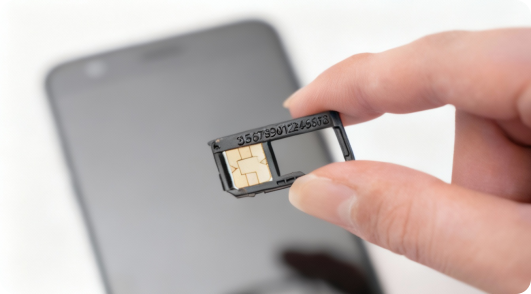

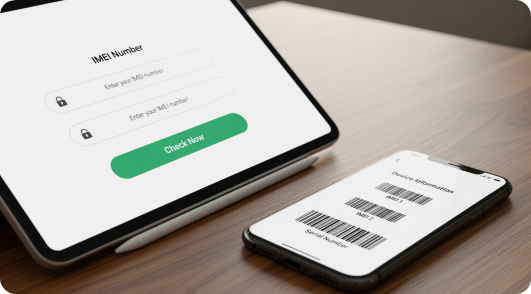
Enter the IMEI Number
Steps :
- Copy your 15-digit IMEI number
- Paste or type it into the converter field above
- Ensure all 15 digits are correct (no spaces or dashes)
- Click Convert Now button

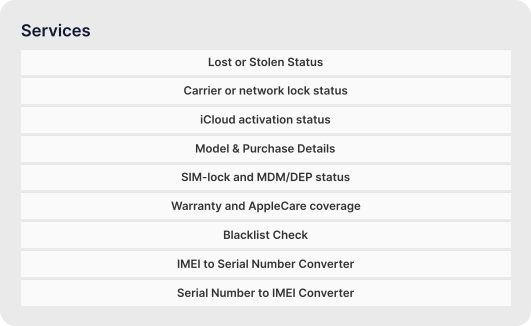
Review Conversion Results
Steps :
Your Serial Number will display instantly
- Check device details match your iPhone model
- Verify warranty and lock status information
- Review purchase and carrier information
- Download or save the report for future reference
Benefits of Using iPhone IMEI Converter Service
Instant Results:
- Get your converted Serial Number and complete device information in less than 5 seconds with our optimized system.

Safe and Reliable:
- All conversions are encrypted and we don't store any of your device information on our servers.

Phone Focused Specifically:
- Our iPhone IMEI to Serial Number Converter is designed for iPhone users with an intuitive interface that's easy to understand and use. All conversions are encrypted and we don't store any of your device information on our servers.

Supports All iPhones :
- Works with every iPhone model from iPhone 4 to the latest iPhone 15 series, including all variants.

Questions About Our IMEI Converter Service?
Apple uses a mathematical algorithm to link IMEI numbers with Serial Numbers. Our converter decodes this relationship using the same proprietary formula, extracting the last 12 digits of the IMEI and converting them through Apple's encoding system to generate the corresponding Serial Number.
Yes! Our converter works bidirectionally. Simply enter your Serial Number in the input field and select Serial to IMEI conversion mode. The tool will generate the corresponding IMEI number instantly.
The converter works for all Apple devices with cellular capability including iPhone, cellular iPad, and Apple Watch with cellular. It does NOT work for Wi-Fi only devices (like Wi-Fi iPads or Mac computers) as they don't have IMEI numbers.
No. We process your IMEI conversion in real-time and do not store, log, or track any IMEI or Serial Numbers entered into our system. Your privacy is completely protected.
iPhone IMEI Check
Check Phone IMEI
Explore IMEI generators for other leading brands:
Loading...