
 English
Random IMEI Generator for Samsung Galaxy S10 | Valid IMEI Number
Generate Random IMEI for Samsung Samsung S10
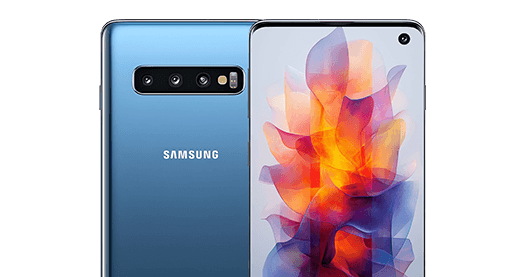
brand : Samsung
Model : Samsung S10
tac [XX-XXXXXX]
Welcome to Easy Sim Unlocker's Random IMEI Numbers Generator for Samsung – your reliable tool for generating valid IMEI numbers with authentic checksums for all Samsung Samsung S10 devices. Whether you need IMEI numbers for testing, educational purposes, or understanding IMEI structure, our generator provides accurate results instantly.
Random IMEI Generator for Samsung Galaxy S10 | Valid IMEI Number
Generate a valid random IMEI number for Samsung Galaxy S10 instantly using the EasySimUnlocker free IMEI generator tool. Every Samsung S10 IMEI number generated by our tool passes the Luhn algorithm check, making it structurally valid and correctly formatted for Samsung Galaxy S10 devices.
Whether you are a developer testing an app, a researcher verifying device compatibility, or simply need to understand the IMEI format for Samsung Galaxy S10, our Samsung S10 IMEI generator is the fastest and most reliable tool available online — completely free, with no registration required.
What Is an IMEI Number and Why Does the Samsung Galaxy S10 Need One?
Every Samsung Galaxy S10 — whether it is the standard S10, S10+, S10e, or S10 5G — has a unique IMEI (International Mobile Equipment Identity) number burned into its hardware. This 15-digit code is the digital fingerprint of your device and is used by mobile networks worldwide to identify and authenticate your Samsung S10 on their systems.
The Samsung Galaxy S10 IMEI number is used for:
- Network registration — Your carrier uses the Samsung S10 IMEI to authorise access to their network
- Blacklist and theft tracking — If your Samsung S10 is reported lost or stolen, carriers block the IMEI to prevent unauthorised use
- Carrier lock status checks — IMEI-based checks reveal whether your Samsung Galaxy S10 is locked or unlocked
- Warranty and service verification — Samsung uses the S10 IMEI to verify warranty eligibility and service history
- Device unlock requests — To unlock your Samsung Galaxy S10, you must provide the correct IMEI number to the unlocking service
You can find your real Samsung S10 IMEI by dialling *#06# on the device, checking under Settings > About Phone > Status, or reading it from the original box. To verify any IMEI, use our IMEI calculator.
IMEI Generator Guide
How Our Random IMEI Generator for Samsung Galaxy S10 Works
The EasySimUnlocker random IMEI generator for Samsung S10 creates structurally valid 15-digit IMEI numbers using the correct TAC (Type Allocation Code) prefix assigned to Samsung Galaxy S10 hardware variants and validates every generated number using the Luhn algorithm.
Step-by-Step: How to Generate a Valid Samsung S10 IMEI Number
Select Samsung as your brand
Select Samsung Galaxy S10 as your model
Click Generate IMEI
Copy your valid random Samsung S10 IMEI number instantly
Each generated Samsung Galaxy S10 IMEI number is:
15 digits long — the standard length for all valid IMEI numbers
Luhn algorithm verified — the check digit in position 15 is mathematically correct
TAC-prefix accurate — uses TAC codes associated with Samsung Galaxy S10 hardware batches
Structurally formatted correctly — can be displayed in both plain and grouped (XX-XXXXXX-XXXXXX-X) format
Device Specifications
Samsung Galaxy S10 Device Specifications
Understanding the Samsung Galaxy S10 hardware helps explain why TAC-based IMEI generation matters. The S10 family launched in 2019 as one of Samsung's most significant flagship releases.
Brand
Samsung
Model Number
SM-G973F / SM-G973U
Display
6.1-inch Dynamic AMOLED, 3040 x 1440
Processor
TAC Information
What Is the IMEI TAC Code for Samsung Galaxy S10?
The first 8 digits of a Samsung Galaxy S10 IMEI number form the TAC (Type Allocation Code), which identifies the device make, model, and hardware variant. The TAC is assigned by the GSMA and is unique to each device configuration.
For Samsung Galaxy S10 (SM-G973F / SM-G973U), known TAC prefixes include ranges starting with 35 and 86, depending on the market variant and carrier. Our IMEI full device specification tool can confirm the TAC for any specific IMEI you enter.
Why Choose Us
Why Use EasySimUnlocker's Samsung Galaxy S10 IMEI Generator?
EasySimUnlocker is trusted by developers, testers, and mobile enthusiasts for its accurate, fast, and free IMEI generation tools. Here is why our Samsung S10 random IMEI generator stands out:
Free with no registration — generate as many valid Samsung S10 IMEI numbers as you need
Luhn-verified output — every IMEI passes mathematical validation
Model-specific TAC accuracy — unlike generic generators, ours uses Samsung S10 TAC ranges
Instant results — no waiting, no captcha, no email required
Mobile-friendly — works on any device including your Samsung S10 itself
You can also use our IMEI calculator to verify any generated IMEI, or use our IMEI to serial number converter for additional device lookups.
Common Uses
Common Uses for a Random Samsung Galaxy S10 IMEI Number
A randomly generated Samsung Galaxy S10 IMEI is useful for the following legitimate purposes:
App Development and Testing
Android developers building apps that read or process device IMEI numbers need valid test values. A real user's IMEI should never be used in a test environment. Our Samsung S10 IMEI generator provides safe, structurally correct test values.
Supported Samsung Models [All Variants]
Our Random IMEI Generator supports all Samsung models from every generation:
Samsung Galaxy A23 5G
Samsung Galaxy Z Flip 7
Samsung Galaxy Z Fold 7
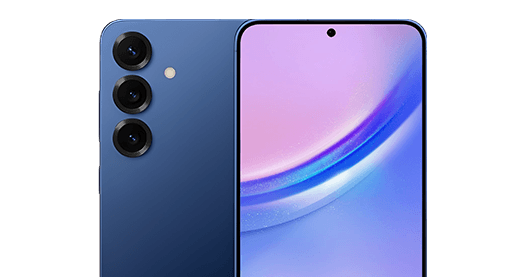
Galaxy S25+
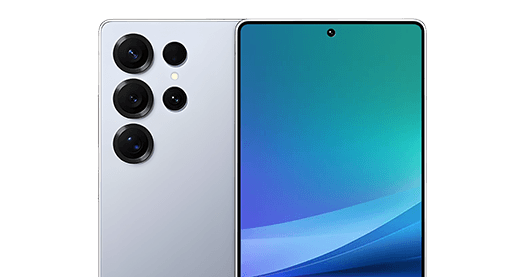
Galaxy S25 Ultra

Galaxy S24 Ultra
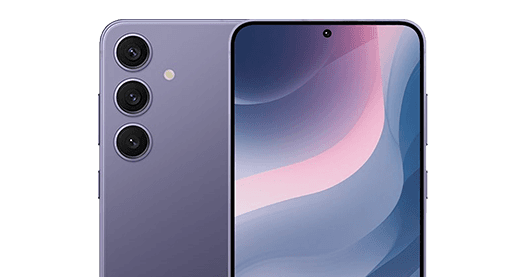
Galaxy S24+
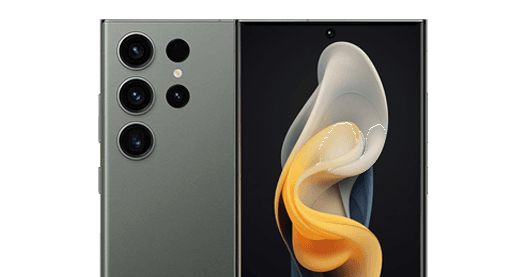
Galaxy S23 Ultra
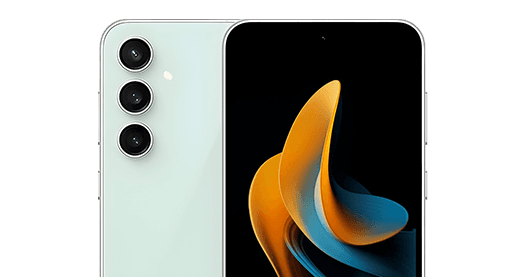
Galaxy S23 FE
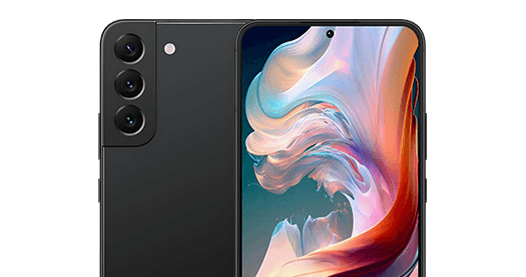
Galaxy S22+
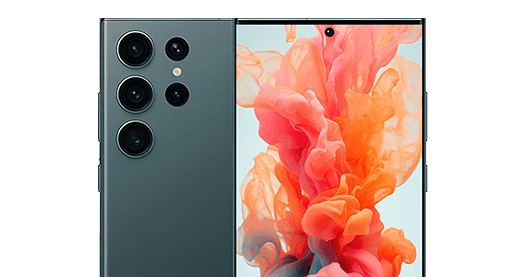
Galaxy S22 Ultra
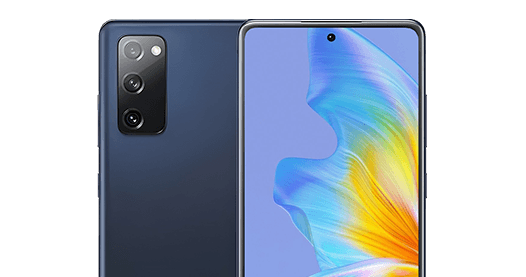
Samsung Galaxy S20 FE
Samsung Galaxy S21+ 5G
Samsung Galaxy S21
Galaxy S21 FE 5G
Samsung Galaxy Z Fold 3 5G
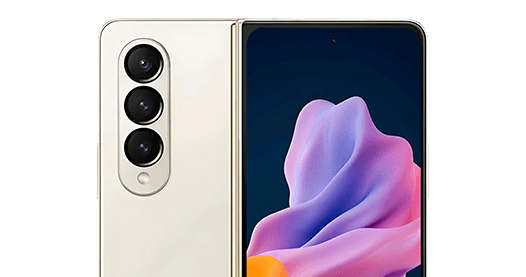
Samsung Galaxy Z Fold4
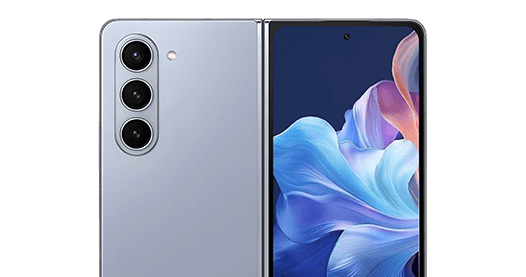
Galaxy Z Fold5
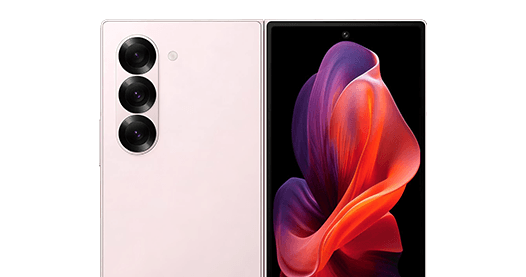
Galaxy Z Fold6
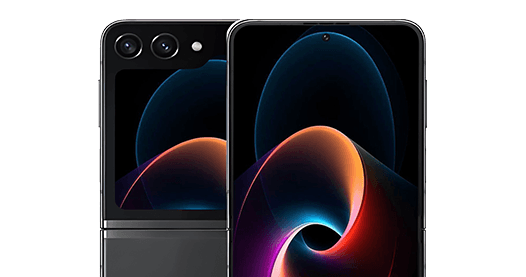
Galaxy Z Flip5
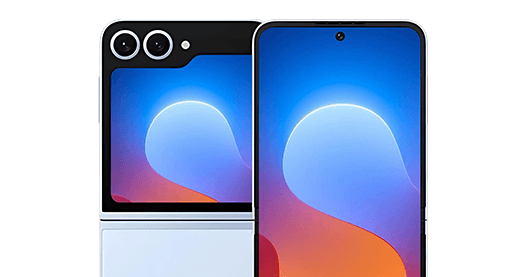
Galaxy Z Flip6
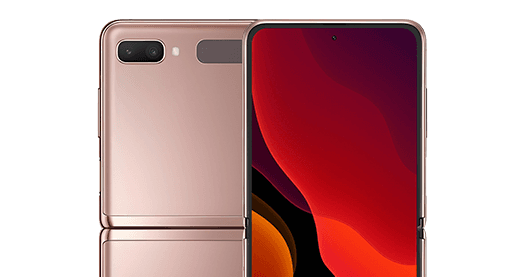
Samsung Galaxy Z Flip 5G
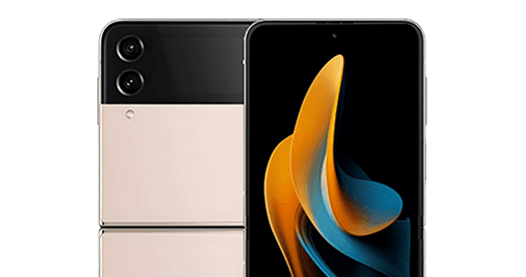
Samsung Galaxy Z Flip 3
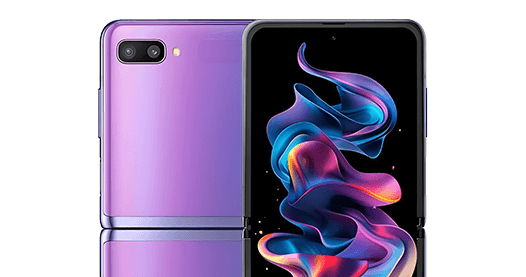
Samsung Galaxy Z Flip
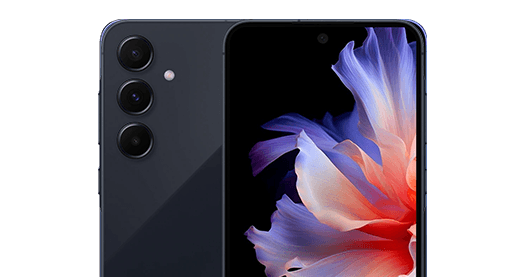
Galaxy A55 5G
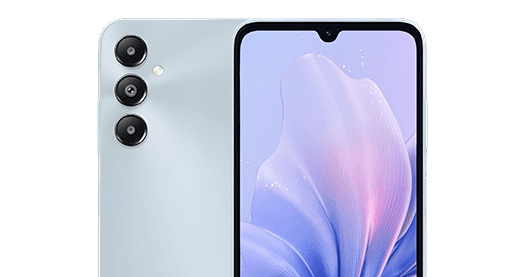
Samsung Galaxy F14
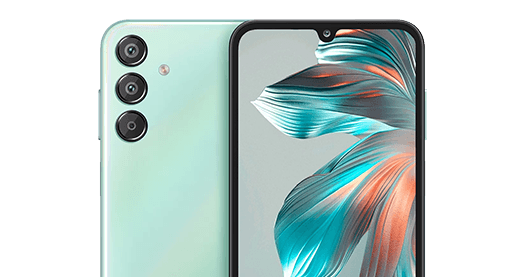
Samsung Galaxy F15
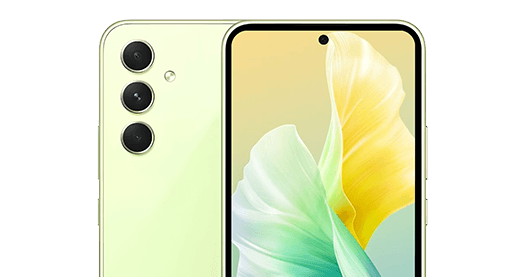
Galaxy A54 5G
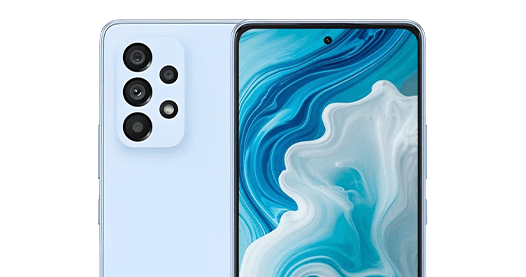
Galaxy A53 5G
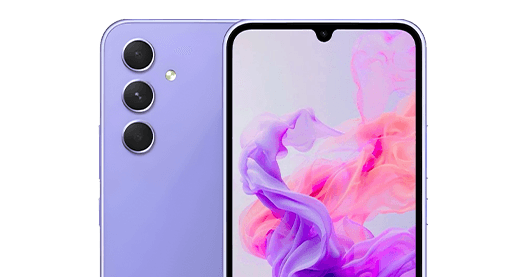
Galaxy A34 5G
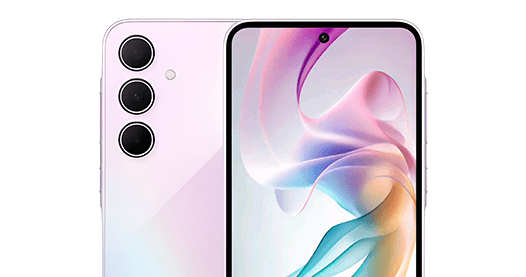
Galaxy A35 5G
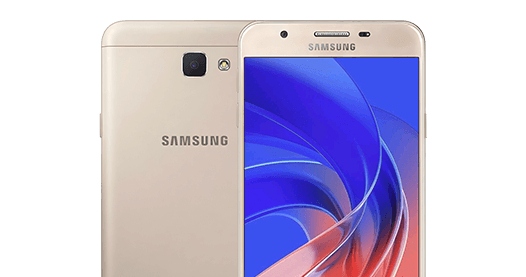
Samsung J5
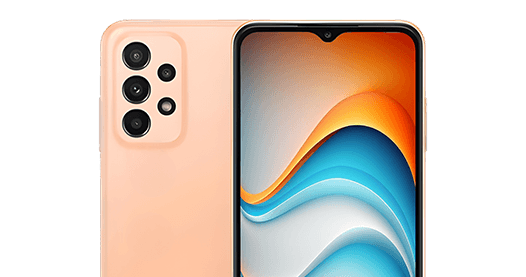
Galaxy A24 5G
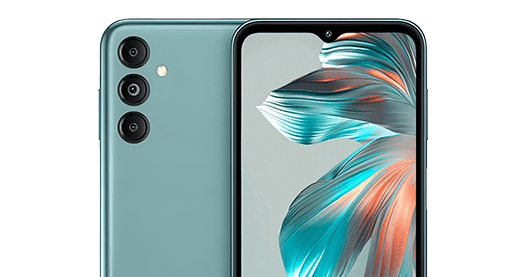
Galaxy M14
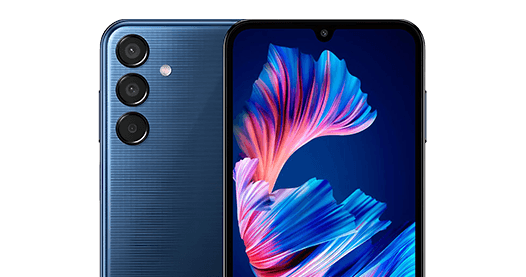
Galaxy M15
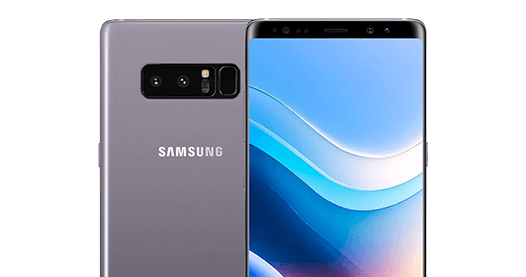
Samsung Note 8
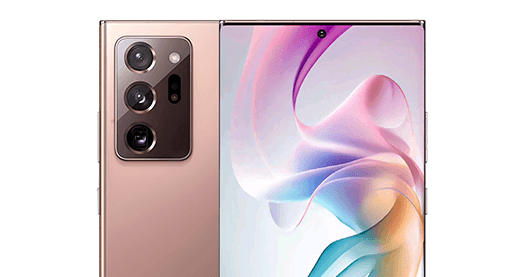
Galaxy Note 20 Ultra
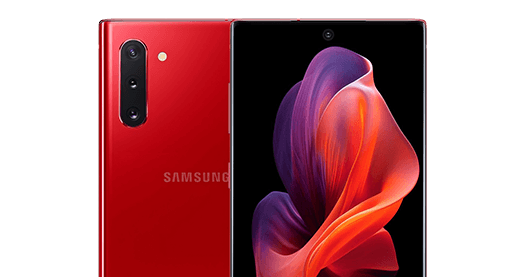
Galaxy Note 10+
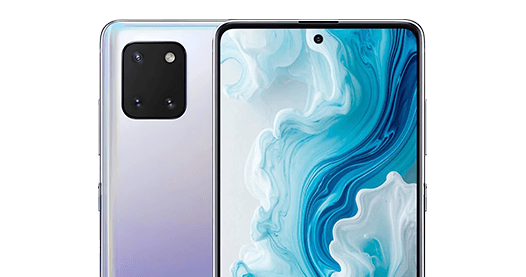
Samsung Galaxy Note 10 Lite
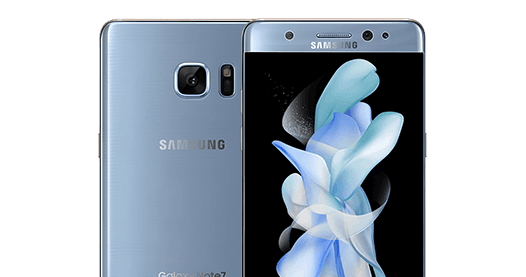
Samsung Note 7
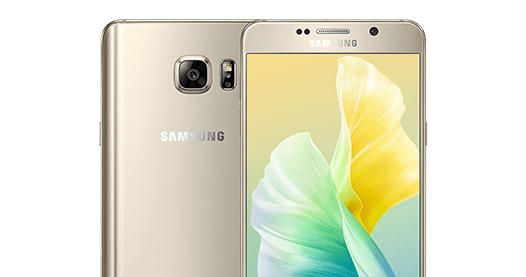
Samsung Note 5
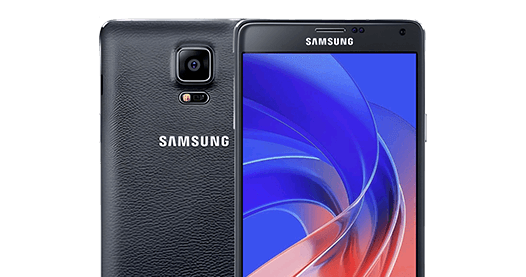
Samsung Note 4
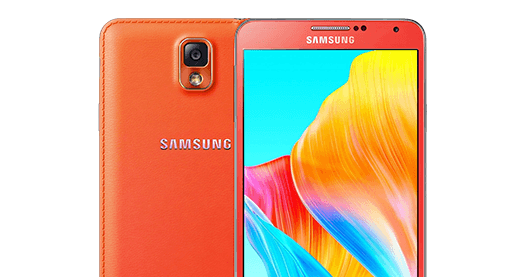
Samsung Note 3
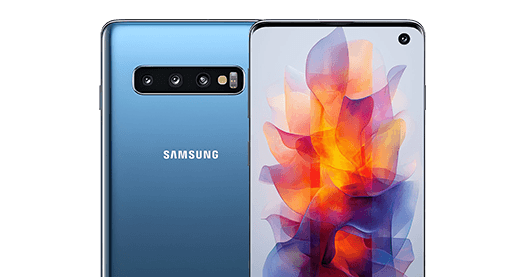
Samsung S10
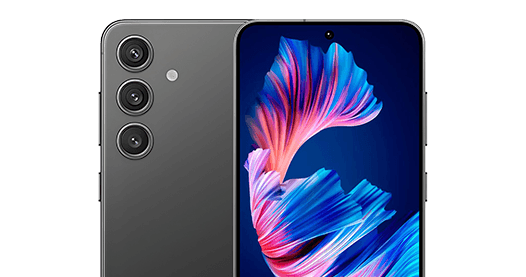
Samsung Galaxy S24
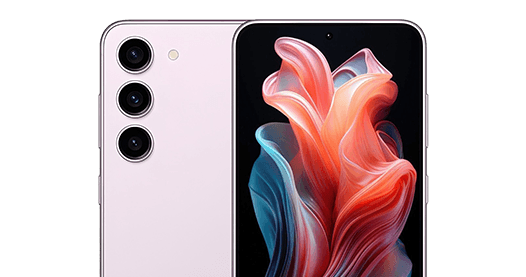
Samsung Galaxy S23
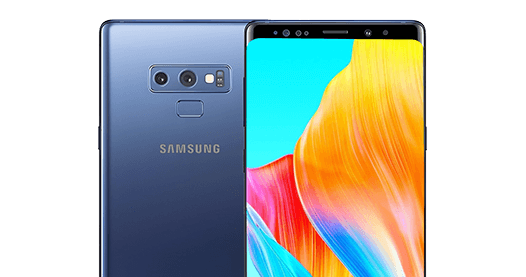
Samsung Note 9
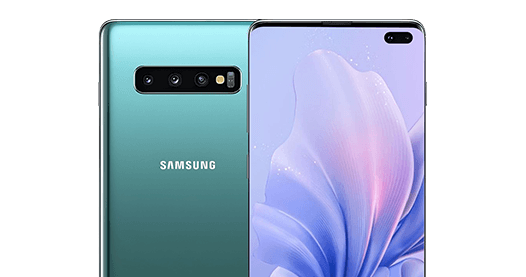
Samsung S10+
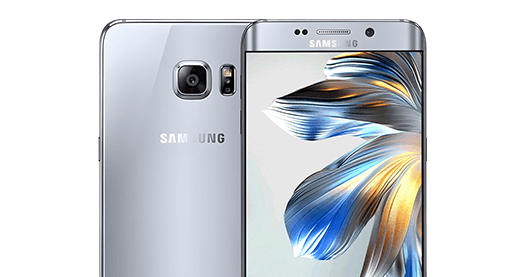
Samsung S6+
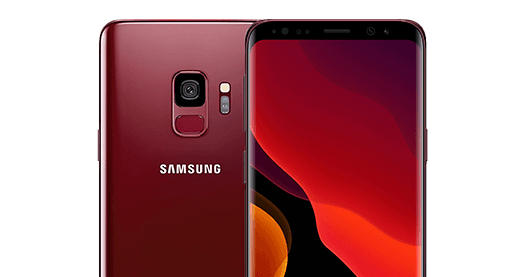
Samsung S9
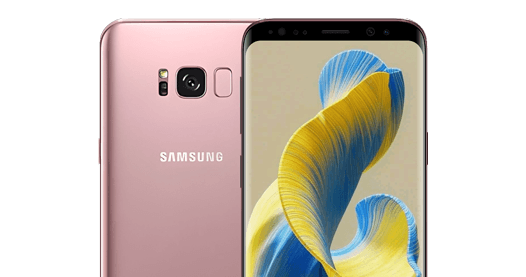
Samsung S8+
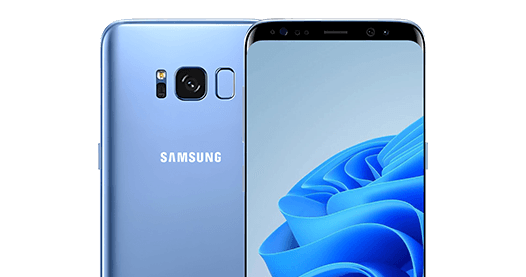
Samsung S8

Samsung S7+
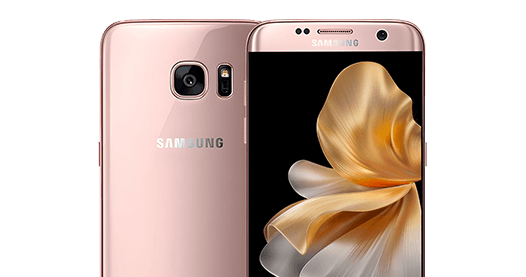
Samsung S7 Edge
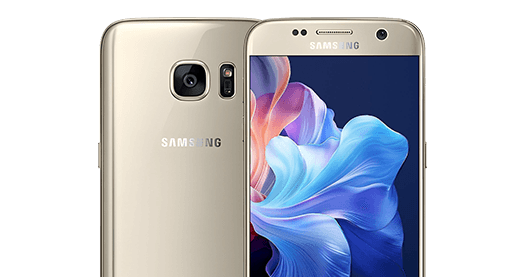
Samsung S7
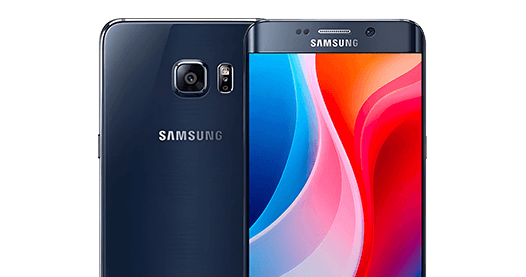
Samsung S6 Edge
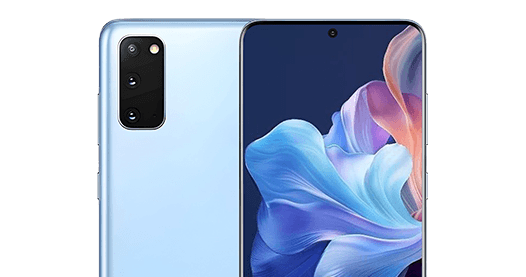
Samsung S20

Samsung S6
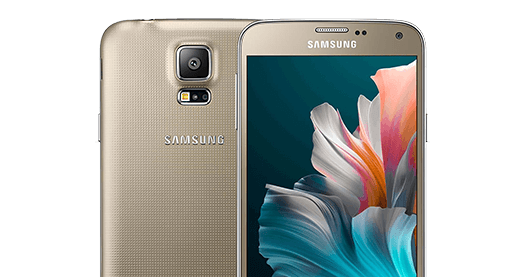
Samsung S5

Samsung S4
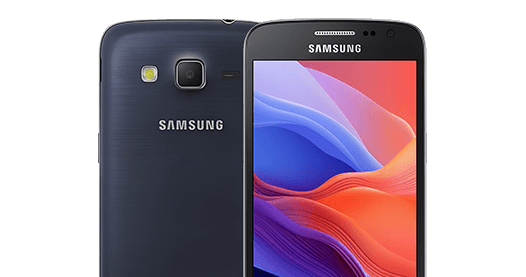
Samsung S3
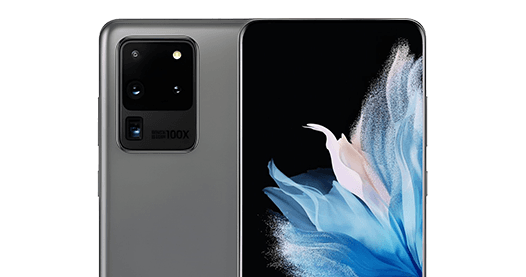
Samsung S20 Ultra
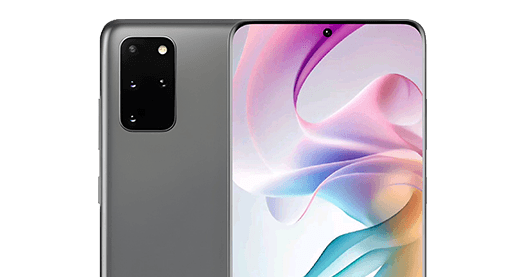
Samsung S20 Plus
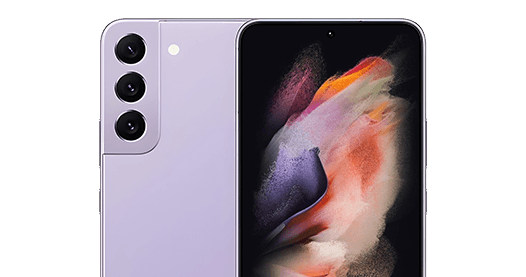
Samsung Galaxy S22 5G
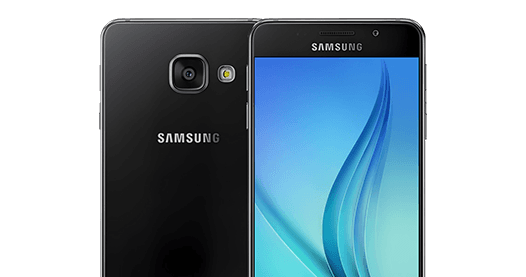
Samsung A3
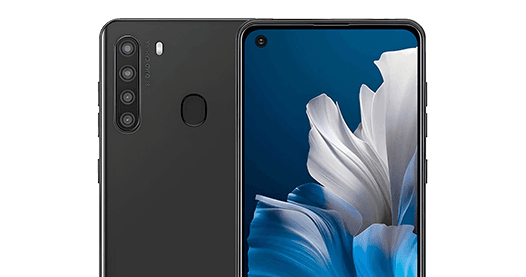
Samsung Galaxy A21
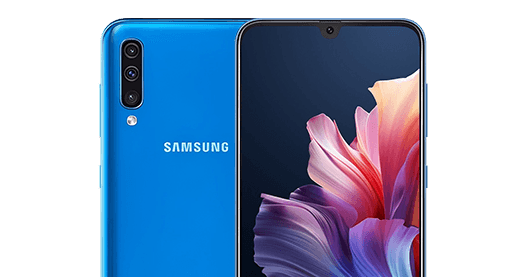
Samsung Galaxy A50
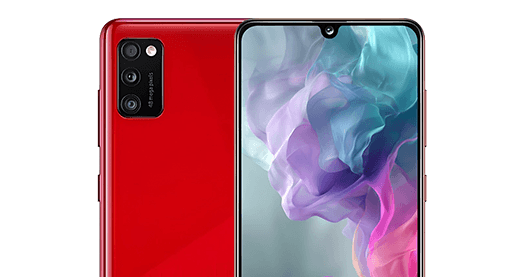
Samsung Galaxy A41
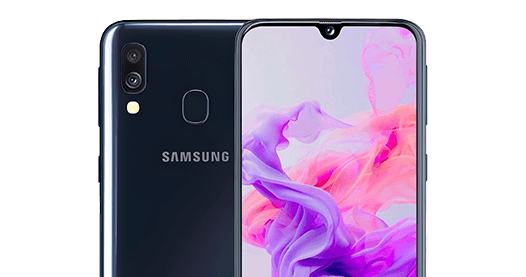
Samsung Galaxy A40
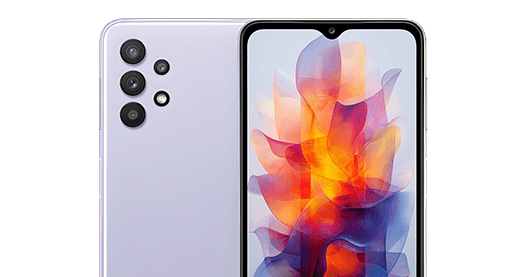
Samsung Galaxy A32
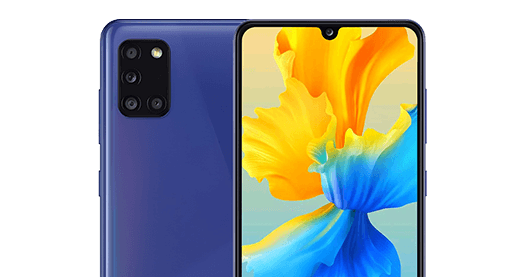
Samsung Galaxy A31
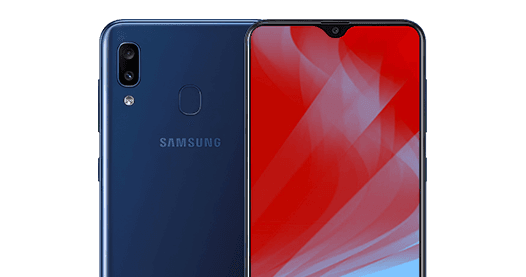
Samsung Galaxy A30
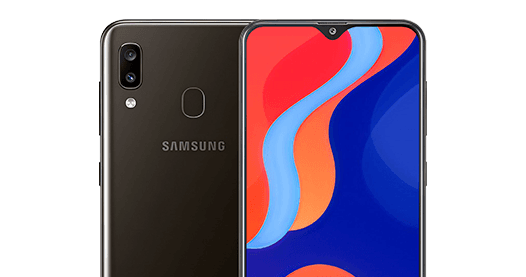
Samsung Galaxy A20
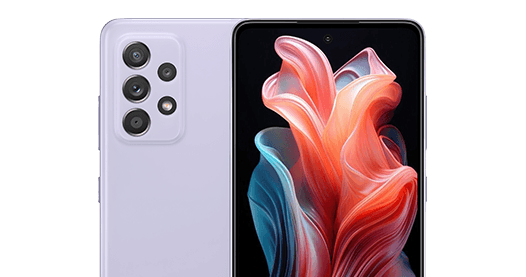
Samsung Galaxy A52 4G
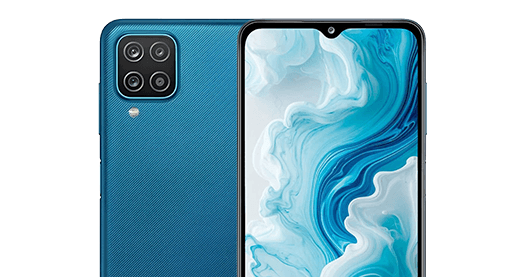
Samsung Galaxy A12
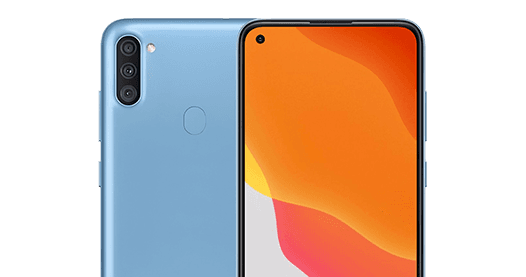
Samsung Galaxy A11
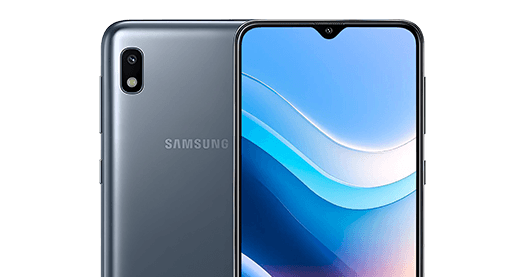
Samsung Galaxy A10
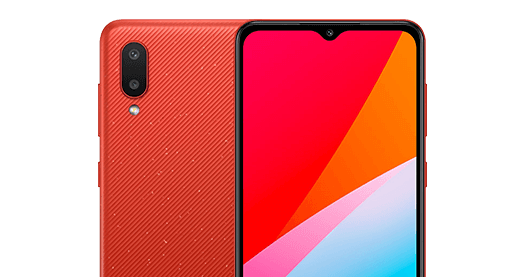
Samsung Galaxy A02
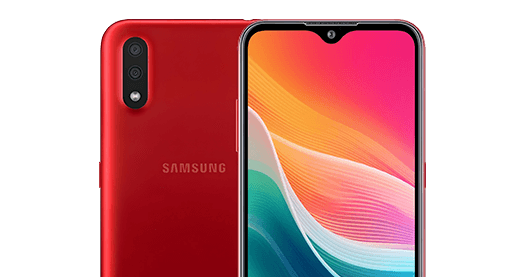
Samsung Galaxy A01
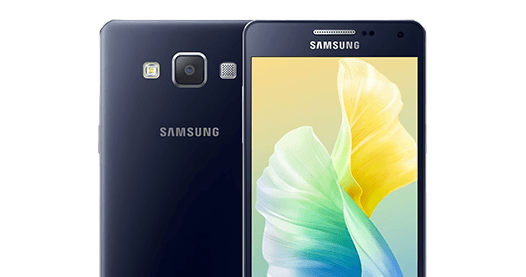
Samsung A5
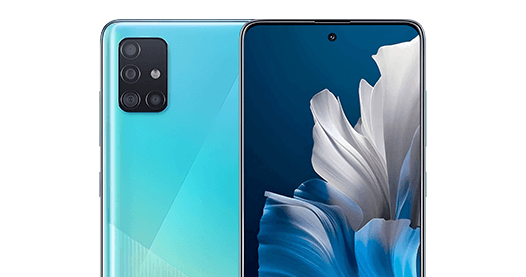
Samsung Galaxy A51
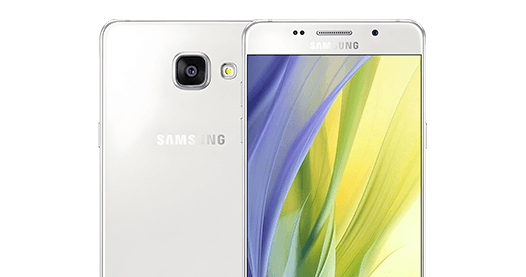
Samsung Galaxy A7
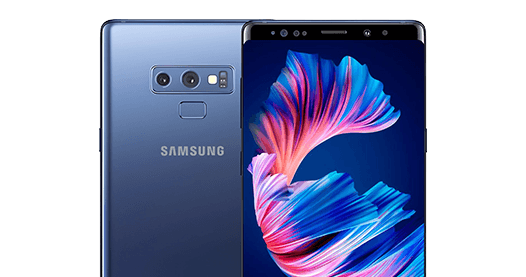
Samsung Galaxy Note9
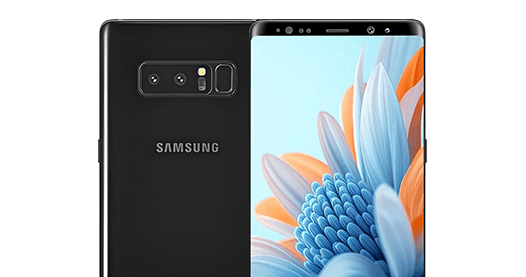
Samsung Galaxy Note8
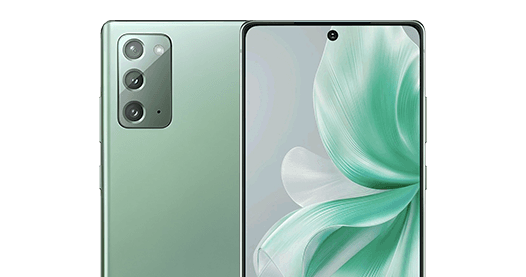
Samsung Galaxy Note20
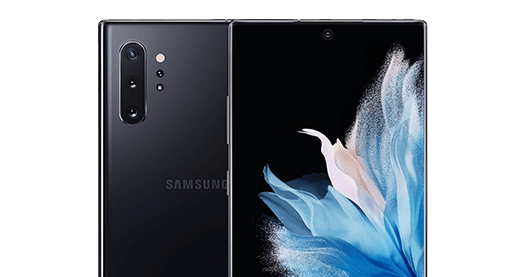
Samsung Galaxy Note 10
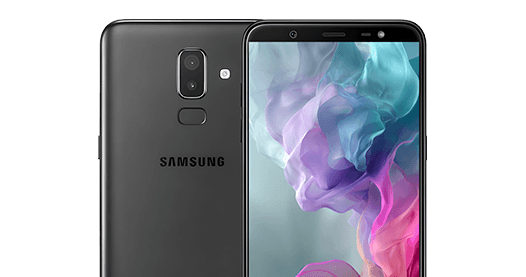
Samsung Galaxy J8
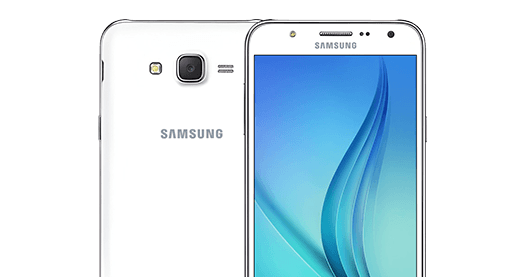
Samsung Galaxy J7
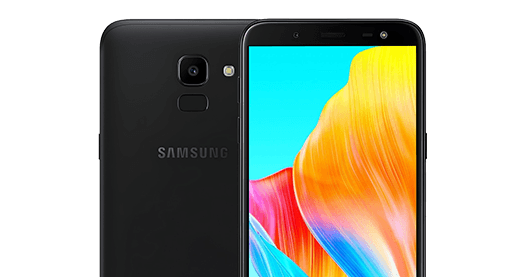
Samsung Galaxy J6
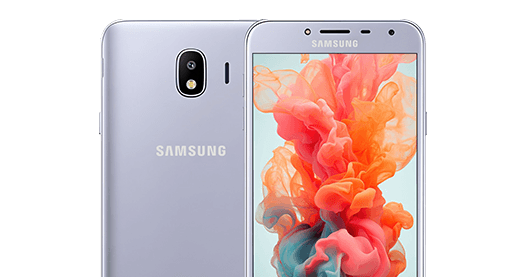
Samsung Galaxy J4
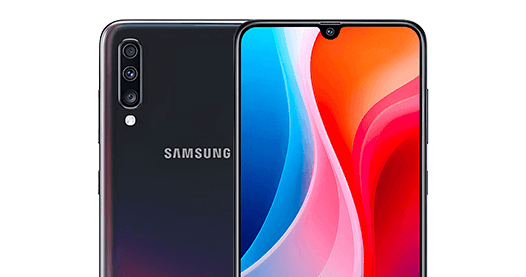
Samsung Galaxy A70
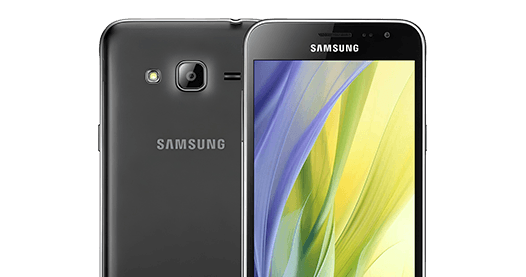
Samsung Galaxy J3

Samsung Galaxy J2
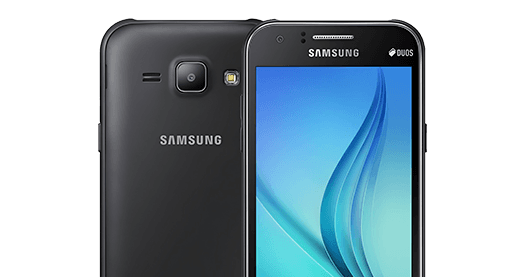
Samsung Galaxy J1
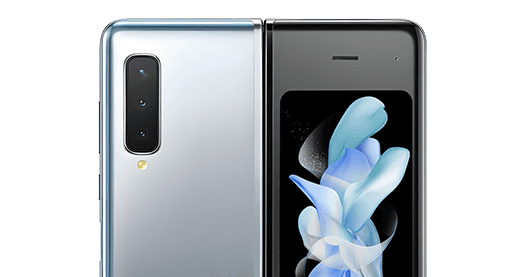
Samsung Galaxy Fold
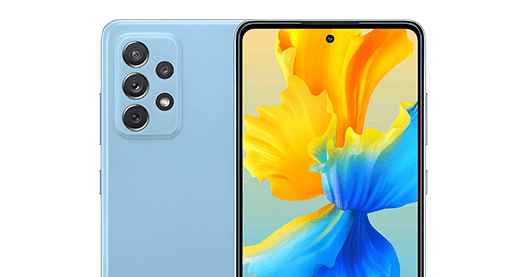
Samsung Galaxy A72
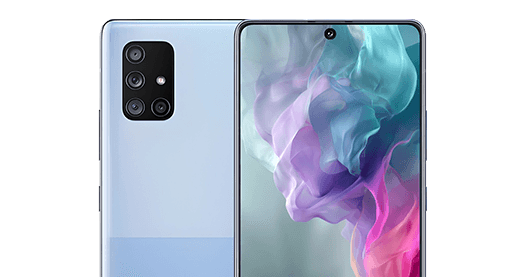
Samsung Galaxy A71 5G
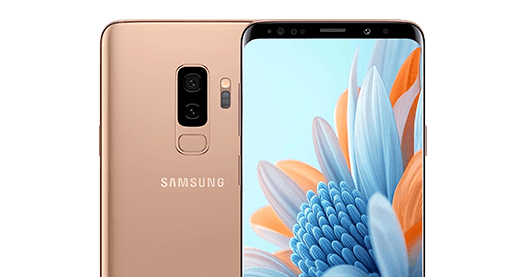
Samsung S9+
Frequently Asked Questions — Samsung Galaxy S10 IMEI Generator
A valid Samsung Galaxy S10 IMEI number is a 15-digit code that passes the Luhn algorithm check and begins with a TAC prefix assigned to Samsung Galaxy S10 hardware variants (SM-G973F or SM-G973U). The EasySimUnlocker random IMEI generator creates structurally valid Samsung S10 IMEI numbers for testing and development purposes.
No. A randomly generated Samsung Galaxy S10 IMEI is for testing and development only. To unlock your actual Samsung Galaxy S10, you must use your real device IMEI. Visit the Samsung unlock page to submit a free carrier unlock request using your real IMEI.
Dial *#06# on your Samsung Galaxy S10 to display the IMEI on screen. You can also find it under Settings > About Phone > Status > IMEI Information, or printed on the original box. Use the IMEI calculator to verify the number.
Yes, generating a random Samsung Galaxy S10 IMEI for software testing, app development, and educational research is legal. It is illegal to use a fabricated IMEI to misrepresent a device to a carrier or to circumvent blacklisting. EasySimUnlocker's tool is intended strictly for legitimate development and testing purposes.
Yes, the Samsung Galaxy S10 supports eSIM in addition to a physical nano-SIM. Carrier lock status applies to both the physical SIM and eSIM slots. Use EasySimUnlocker to check your carrier lock status or to unlock your Samsung S10.
A Samsung Galaxy S10 IMEI number is exactly 15 digits long — an 8-digit TAC, a 6-digit serial number, and a 1-digit Luhn check digit. All IMEI numbers generated by EasySimUnlocker are 15 digits and pass Luhn validation.




