
 English
Xiaomi Redmi 9 IMEI Generator – Free Random IMEI Numbers for Testing
Reviewed by the EasySimUnlocker technical team · Last updated July 2026
Generate Random IMEI for Xiaomi Xiaomi Redmi 9
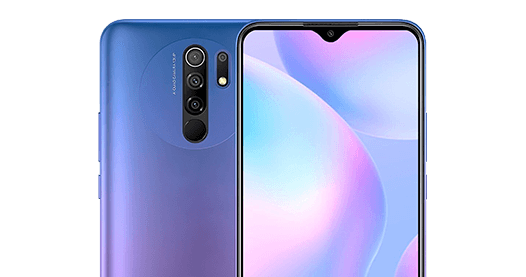
brand : Xiaomi
Model : Xiaomi Redmi 9
tac [XX-XXXXXX]
Welcome to Easy Sim Unlocker's Random IMEI Numbers Generator for Xiaomi – your reliable tool for generating valid IMEI numbers with authentic checksums for all Xiaomi Xiaomi Redmi 9 devices. Whether you need IMEI numbers for testing, educational purposes, or understanding IMEI structure, our generator provides accurate results instantly.
This tool generates Luhn-valid, Xiaomi Redmi 9-formatted IMEI numbers for developers, QA testers, and repair technicians who need realistic test data without touching a real device. Every number follows the same 15-digit structure as a genuine IMEI — an 8-digit manufacturer code, a 6-digit serial, and a checksum digit — but none of them are tied to an actual phone or registered to any owner. Choose how many you need below, generate, and copy or export the batch in one click.
What Is the Xiaomi Redmi 9 IMEI Generator?
What Is the Xiaomi Redmi 9 IMEI Generator?
An IMEI (International Mobile Equipment Identity) is the 15-digit number every cellular device carries to identify itself on a mobile network. A Redmi 9 IMEI generator produces numbers that follow that exact structure and draw on the code ranges Xiaomi has registered for the Redmi 9 family, so the output looks and behaves like a real Redmi 9 identifier in any system that only checks format and checksum. What it doesn't do is pull a number from an actual device, a carrier database, or Xiaomi's own records — every serial digit is randomly assigned, so the result is fictional data, not a duplicate of anyone's real phone.
That distinction is what makes it useful rather than risky. Mobile app developers use it to test IMEI-entry fields and validation logic without exposing a customer's real device ID. QA engineers and mobile device management (MDM) administrators use batches of them to simulate enrolling a fleet of Redmi 9 units before a real rollout. Phone repair and resale technicians use it to practice IMEI lookups and record-keeping without touching a client's handset. Students and telecom researchers use it to see how the Type Allocation Code (TAC), serial number, and Luhn check digit fit together in a live example instead of a diagram.
If you already have a real device in hand and want to look up or convert its actual IMEI, the sections further down this page point to the right tools — this generator is specifically for the synthetic, testing side of that work.
Redmi 9 IMEI Number Format Explained
Every IMEI, generated or real, is built from three parts. Understanding them makes it obvious why a generator has to be built around a specific device family rather than a single generic template — and why a page built just for the Redmi 9 behaves differently from a page built for "Xiaomi" in general.
TAC, Serial Number, and Check Digit
The first 8 digits are the Type Allocation Code (TAC). The GSMA assigns a TAC to a manufacturer for a specific device model, so it's effectively the model's fingerprint before any individual unit exists. The Redmi 9 itself shipped under a few different regional model numbers — M2004J19G and M2004J19C internationally, and M2004J19PI for the Redmi 9 Prime variant sold in India — all built on the same internal codename, "lancelot" (the NFC-equipped version used the codename "galahad"). Because those model numbers map to Xiaomi's own registered TAC ranges for the Redmi 9 line, a generator built around this specific device draws its prefixes from that range, rather than defaulting to whichever generic Xiaomi TAC happens to be sitting in a shared, brand-wide list.
Digits 9 through 14 are the serial number: six digits the manufacturer assigns to distinguish one unit from another within the same TAC. In a generator, these are simply randomized for each result, which is exactly what makes the output safe to use in a test environment — there's no way for a randomly generated serial to coincide with a specific real device's history.
The 15th and final digit is the check digit, calculated with the Luhn algorithm so that any system checking IMEI format can immediately tell whether a number is even structurally valid. A generator that skips this step produces numbers that look right but fail the first validation check most systems run — which is why every batch here is calculated, not just assembled from random digits.
How the Luhn Check Digit Is Calculated
The Luhn check digit isn't arbitrary — it's the result of a short, repeatable calculation, and it's worth walking through once using a simple illustrative sequence rather than treating it as a black box. Take any 14-digit sequence — for example, 86123456123456:
1
Step 1 — Starting from the rightmost digit of those 14 and moving left, double every second digit: the 14th, 12th, 10th, 8th, 6th, 4th, and 2nd digits become 12, 8, 4, 12, 8, 4, and 12.
2
How to Use the Redmi 9 IMEI Generator
1
Set the quantity you need. For a single test case, generate one; for populating a demo database or an MDM test fleet, generate a full batch.
2
Click Generate. Each result is built the way described above — a Redmi 9 TAC prefix, a fresh random serial, and a calculated Luhn check digit — so every number in the batch is unique within that run.
3
Copy an individual number with one click, or use Copy All to grab the whole batch at once.
4
Export the batch as CSV or JSON if you're feeding it into a test suite, a mock database, or an inventory system rather than pasting it by hand.
No account or signup is required, and nothing you generate is stored against your identity. The one thing worth keeping in mind: treat every generated number as test data, and keep it inside your own test, staging, or training environment rather than a live production or carrier-facing system — the next two sections cover exactly why that boundary matters and what it looks like in practice.
Supported Xiaomi Models [All Variants]
Our Random IMEI Generator supports all Xiaomi models from every generation:
Xiaomi Poco X7 Pro
Xiaomi Redmi Note 8 Pro

Xiaomi Redmi K50

Xiaomi Pad 6

Xiaomi Redmi 9A
Xiaomi Poco F3

Xiaomi Redmi 12C
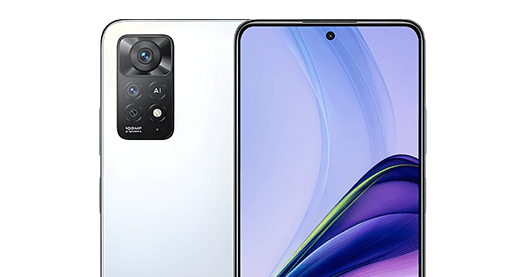
Xiaomi Redmi Note 11E Pro
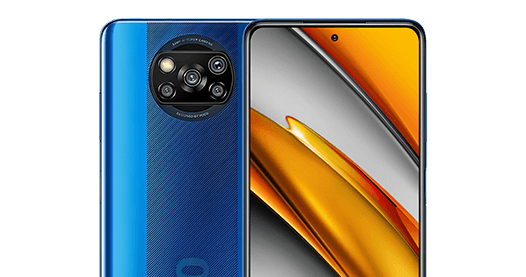
Xiaomi Poco X3 NFC
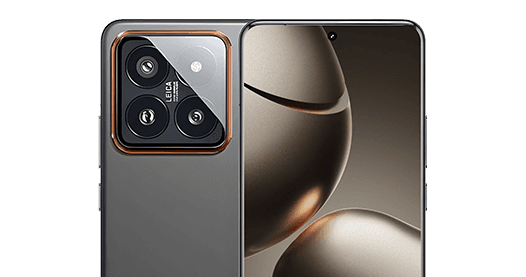
Xiaomi 14 Pro
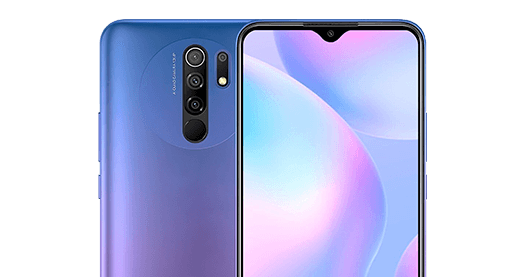
Xiaomi Redmi 9
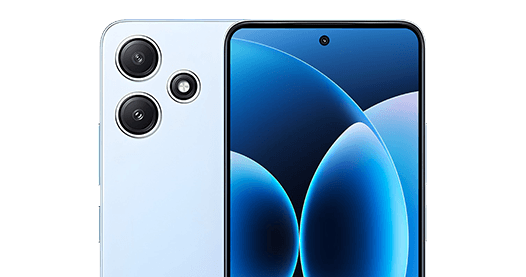
Xiaomi Redmi 12 5G
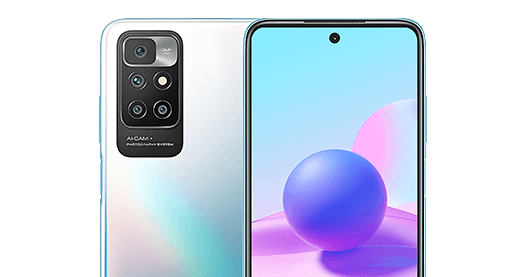
Xiaomi Redmi 10
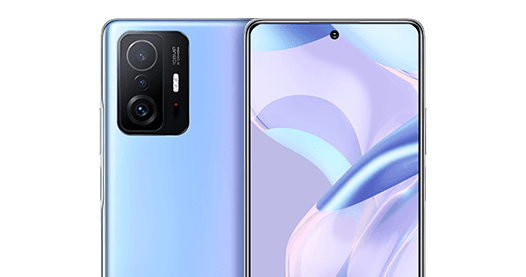
Xiaomi 11T Pro
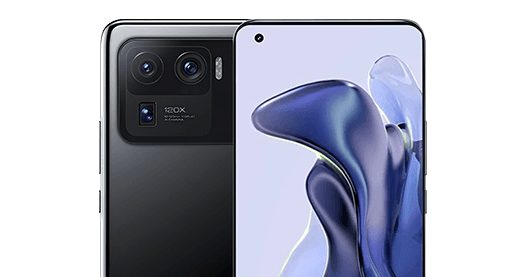
Xiaomi Mi 11 Ultra

Xiaomi Redmi Note 14 (China)

Xiaomi Redmi Note 13 Pro 4G
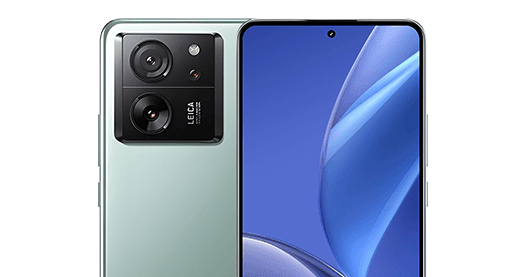
Xiaomi 13T
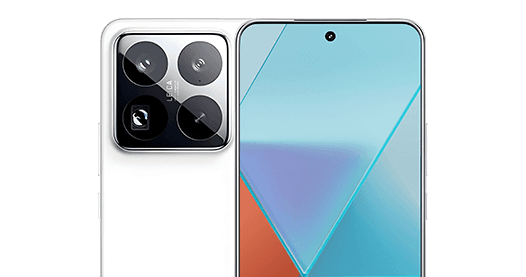
Xiaomi 15 Pro
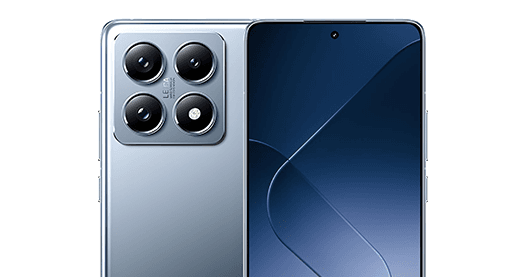
Xiaomi 14T Pro
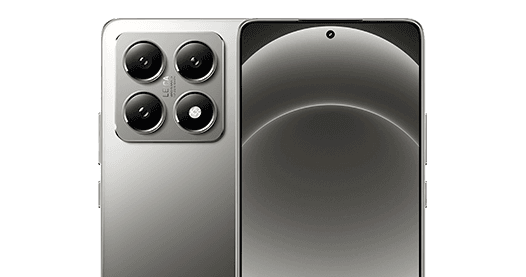
Xiaomi 14T

Xiaomi Poco X6 Pro
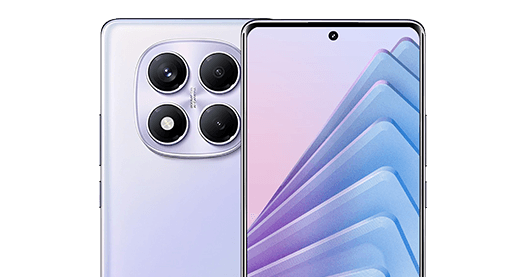
Xiaomi Redmi Note 14 Pro
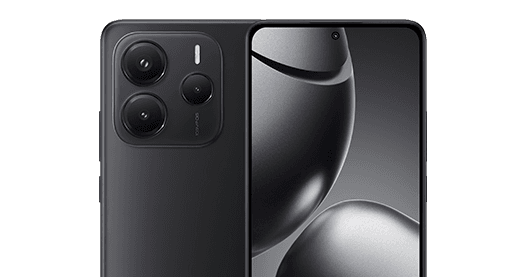
Xiaomi Redmi Note 14
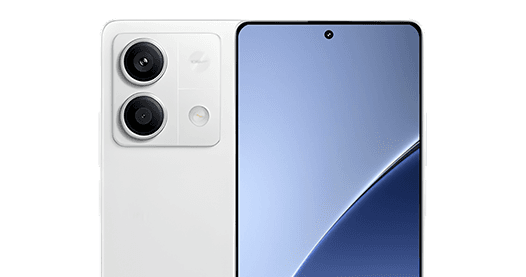
Xiaomi Redmi Note 13
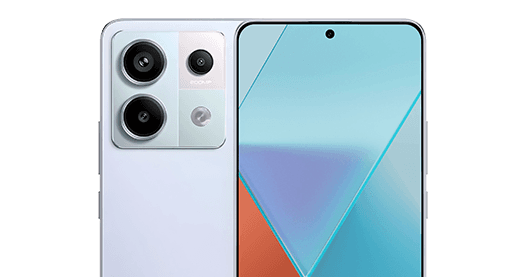
Xiaomi Redmi Note 13 Pro
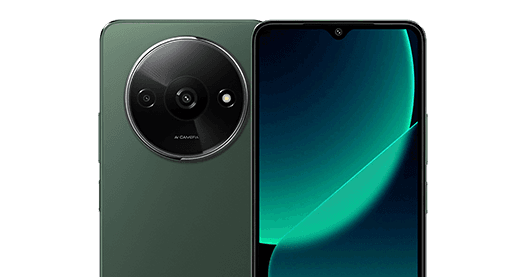
Xiaomi Redmi A3
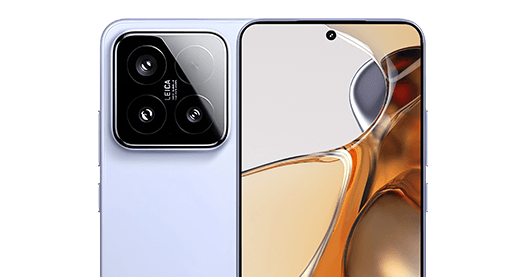
Xiaomi 15

Xiaomi Redmi Note 10
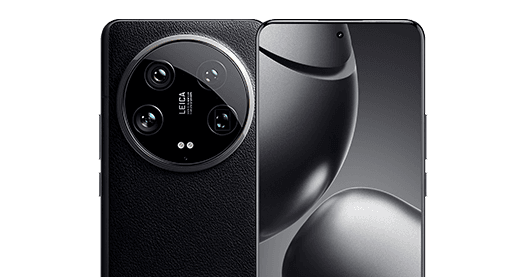
Xiaomi 14 Ultra
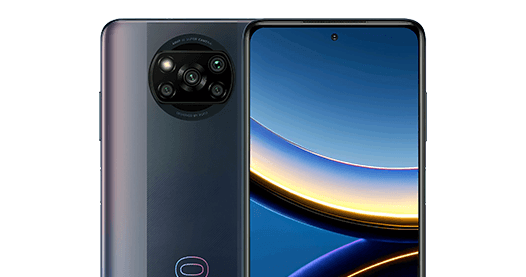
Xiaomi Poco X3 Pro
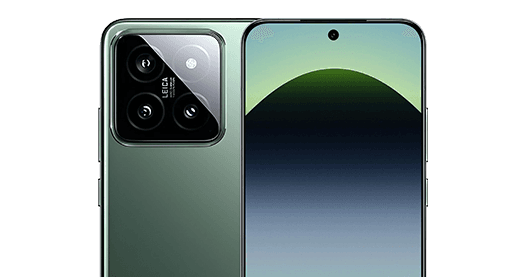
Xiaomi 14
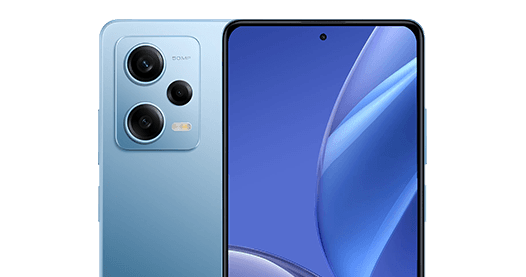
Xiaomi Redmi Note 12 Pro
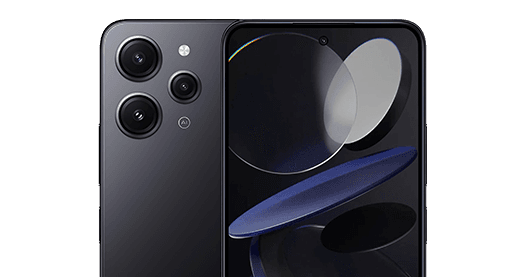
Xiaomi Redmi 12
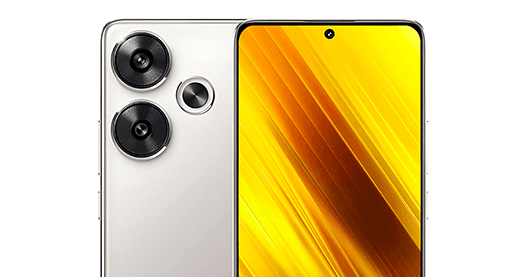
Xiaomi Poco F6
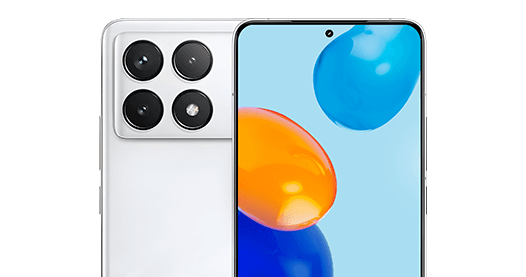
Xiaomi Poco F6 Pro
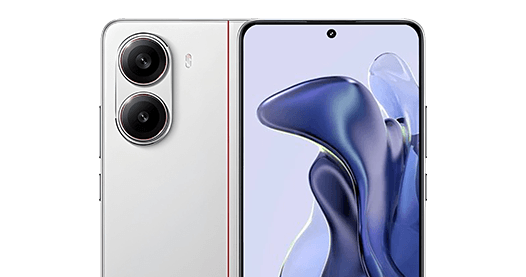
Xiaomi Redmi Turbo 4
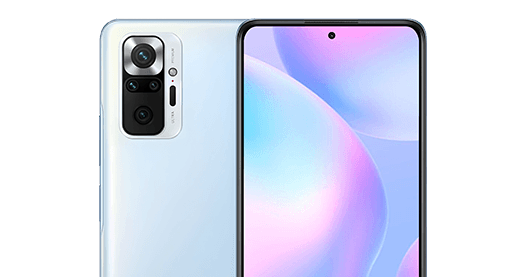
Xiaomi Redmi Note 10 Pro
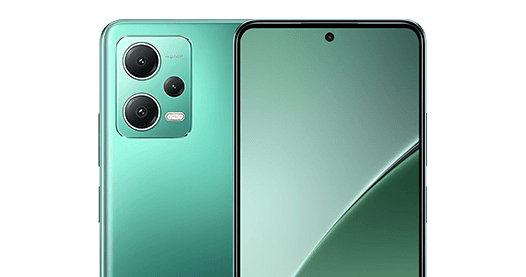
Xiaomi Redmi Note 12
Xiaomi Poco X5 Pro
Legitimate Uses
Legitimate Uses for a Generated Redmi 9 IMEI
App and QA testing. If you're building or testing a mobile app, a device-management dashboard, or a checkout flow that asks for an IMEI, you need something to type into that field besides your own phone's real identifier. A generated Redmi 9 number lets you exercise format validation, duplicate-detection logic, and error states without exposing a real device ID in a staging environment, a bug report, or a shared test account.
MDM enrollment testing. Mobile device management platforms often onboard devices in bulk by IMEI, and testing that enrollment flow against a whole fleet of real Redmi 9 units before a rollout isn't practical. Generating a batch of test IMEIs lets an IT or MDM administrator validate the enrollment, policy-assignment, and reporting steps against realistic-looking data first.
Repair and resale technician training. Anyone learning to work a phone shop's intake counter needs practice looking up, recording, and cross-checking IMEIs before doing it against a customer's actual device. Generated numbers give a trainee something real-looking to practice on without any risk of touching live customer data.
Demo inventory and POS systems. A phone resale or trade-in business building or demoing a point-of-sale or inventory system needs sample stock to populate it with — recognizable Redmi 9 entries make a demo look realistic without listing real serialized units that don't exist yet.
Education and self-study. Because the Redmi 9's IMEI follows the same TAC/serial/check-digit structure covered above, generating a few numbers and checking the math by hand — against the walkthrough earlier on this page — is a fast way to actually learn the format rather than just read about it.
Software and integration testing. Teams building carrier-lookup, blacklist-check, or warranty-verification integrations need input data that won't accidentally match a real customer's device while they're still in development — a batch of generated Redmi 9 numbers fills that gap cleanly.
Important Notice
What You Should Never Do With a Generated IMEI
A generated IMEI is safe precisely because it stays inside a test or training environment. The moment it's used anywhere that treats it as a real device identifier, that safety disappears — and in most cases, so does the legality.
01
Don't use it to activate, register, or unlock a physical device. Carriers, manufacturers, and activation systems assume an IMEI corresponds to one real, physical phone. Feeding one a number that doesn't is a mismatch their systems are specifically built to catch.
02
Don't use it to bypass a blacklist or carrier-lock check. IMEI blacklists exist to stop stolen phones from being reactivated on another network; presenting a generated number to get around that check defeats the exact protection the system is there for.
03
Don't use it to misrepresent a device's identity to anyone — a buyer, a carrier, an insurer, or a repair shop. It's fine as a placeholder in your own test database; it's not fine as a stand-in for a real device's identifier in a transaction, warranty claim, or ownership record.
If you're working with a real Redmi 9 and want to verify a real device's IMEI is clean before you rely on it — buying secondhand, evaluating a trade-in, or just double-checking your own phone — that's a different, completely legitimate job, and it's what a blacklist/status check tool is for rather than a generator.
Real Device IMEI
Looking Up or Converting a Real Redmi 9 IMEI
Everything above is about synthetic test numbers. If you're holding an actual Redmi 9 and need its real IMEI, that's a different, much simpler task: dial *#06# on the device itself, or check Settings → About Phone → Status, and it'll be right there — no generator involved.
Where the tools further down this ecosystem come in is once you have that real number and need to do something with it. Trade-in and resale platforms, warranty lookups, and some inventory systems work in serial numbers rather than IMEIs, so you may need to go from one format to the other — the IMEI to serial number converter and the serial number to IMEI converter handle that conversion in either direction.
If what you actually need is a fuller picture of a device — confirming the exact model, storage variant, or region a specific real IMEI corresponds to, rather than just validating its format — you can look up its full specifications from the IMEI itself. That's useful before a trade-in, a resale listing, or a warranty claim, where knowing precisely which Redmi 9 variant you're dealing with matters more than a generic "it's a Redmi 9."
SIM Unlock Service
Unlocking a Real Xiaomi Redmi 9
A generated IMEI and an unlocked phone are two completely unrelated things, but they show up in the same searches often enough that it's worth being direct about the difference. This page's generator produces test data for developers and technicians. It has no connection to, and no ability to affect, whether a real Redmi 9 is locked to a specific carrier.
If your actual Redmi 9 — or someone else's — is locked and you're trying to switch carriers, use a local SIM while travelling, or free up a secondhand phone you've bought, that's a real device-unlock job, handled through the device's real IMEI and the carrier's own unlock process, not through anything a generator can produce.
That's a service EasySimUnlocker offers directly: you can unlock your Xiaomi device through the standard process, and if you're specifically working with a Mi or Redmi-series network unlock, the Mi/Redmi network unlock app covers that device family.
The short version: if you're testing software, use the generator above. If you're trying to get a real phone working on a different network, that's the unlock service — two different tools for two different jobs.
Free IMEI Tools
Explore More Free IMEI Tools
This Redmi 9 page is one piece of a wider set of free IMEI tools on this site. If you're working with a different device family, the Coolpad random IMEI generator follows the same Luhn-valid approach for that brand, and the free IMEI generator for other brands and models covers everything else — Apple, Samsung, and the rest of the Xiaomi lineup — in one place.
Bookmark whichever one matches what you're actually working on; there's no need to come back to this specific Redmi 9 page if your next test batch is for an entirely different device.
FAQ
No. It's structurally identical to a real one — same 15-digit format, same TAC-based prefix range, same Luhn check digit — but it isn't looked up from a device, a carrier, or Xiaomi's own records. Every serial digit is randomly generated, so the result is synthetic test data, not a duplicate of any real phone's identifier.
No. Activation and network-unlock systems work against a device's real, factory-assigned IMEI. A generated number won't match your actual phone's records, so it can't be used to activate, register, or unlock it. If your real Redmi 9 needs unlocking, see the unlocking section above.
Generating a structurally valid number for testing, training, or education is standard practice across mobile development and QA. What can cross into illegal territory is using that number to activate a device, bypass a blacklist, or misrepresent a phone's identity — the use matters more than the act of generating a number. If you're unsure about a specific use case, that's a question for a legal professional in your jurisdiction rather than a generic answer here.
You can generate a batch large enough for a realistic test run or a small demo dataset in one go, then export the results as CSV or JSON, or generate additional batches as needed for larger test suites.
An IMEI is a 15-digit, network-facing identifier built from a manufacturer's TAC, a device serial, and a Luhn check digit — it's what a carrier or network uses to recognize a device. A serial number is a separate identifier a manufacturer assigns for its own inventory, warranty, and manufacturing records, and it doesn't follow the same TAC/Luhn structure. Some workflows need one, some need the other, which is why a conversion tool between the two exists.
Dial *#06# on the device, or check Settings → About Phone → Status — both show the number instantly. For a fuller walkthrough with exactly where to look across different phones, see how to find your IMEI on any phone.
Yes. Copy a single result with one click, use Copy All for the whole batch, or export as CSV or JSON if you're feeding the numbers directly into a test suite, spreadsheet, or mock database.
This page is built specifically around the Redmi 9 family's TAC range. For other Redmi, Mi, or POCO models, the site's free IMEI generator covers the rest of the Xiaomi lineup alongside other brands, using each model's own TAC range rather than a one-size-fits-all Xiaomi prefix.




